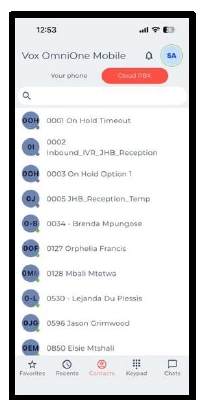
OmniOne Mobile app allows one to log into the mobile app using your OmniOne PBX details to make and receive calls.
Steps to Access OmniOne Mobile:
- Download the OmniOne Mobile app from the respective Play Store
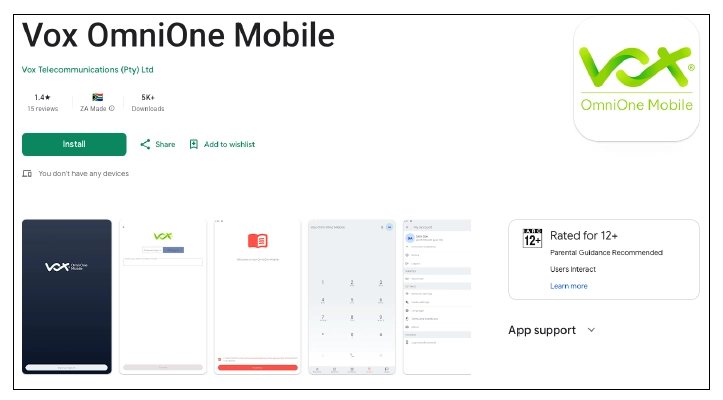
- Once downloaded, open the App and click on Sign in

- Once you click on “Sign In”, you will be prompted to either enter your SIP Username and Password or OTP Sign In
Sign In using Password
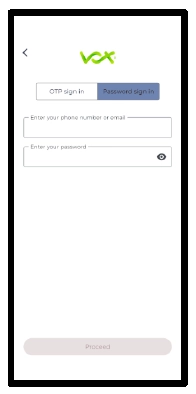
- Enter your SIP number in the “Enter your phone number or email field”
- Enter your password (Found on Extension Details on OmniOne PBX)
- Click “Proceed”
- Once done, you will have successfully logged in using your OmniOne PBX Extension to make and receive calls
Sign In using OTP
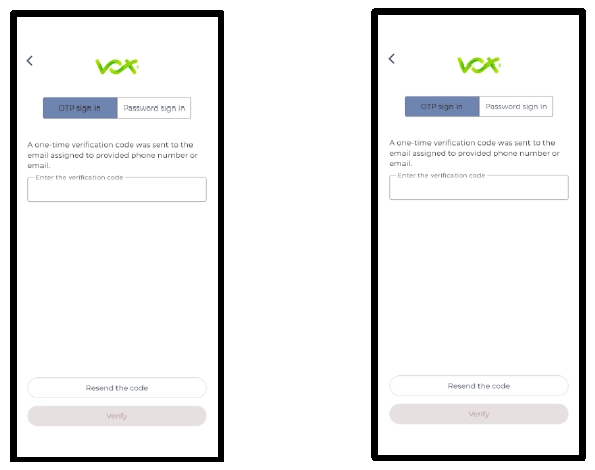
- On the login screen, press “OTP sign in”
- Enter your SIP number, e.g., 27878051234, and click “Proceed”. Your verification code will be sent via email
- Enter the verification code retrieved via email and press “Proceed”
- Once Verification has been completed, you will be successfully logged in