1. To Make a call
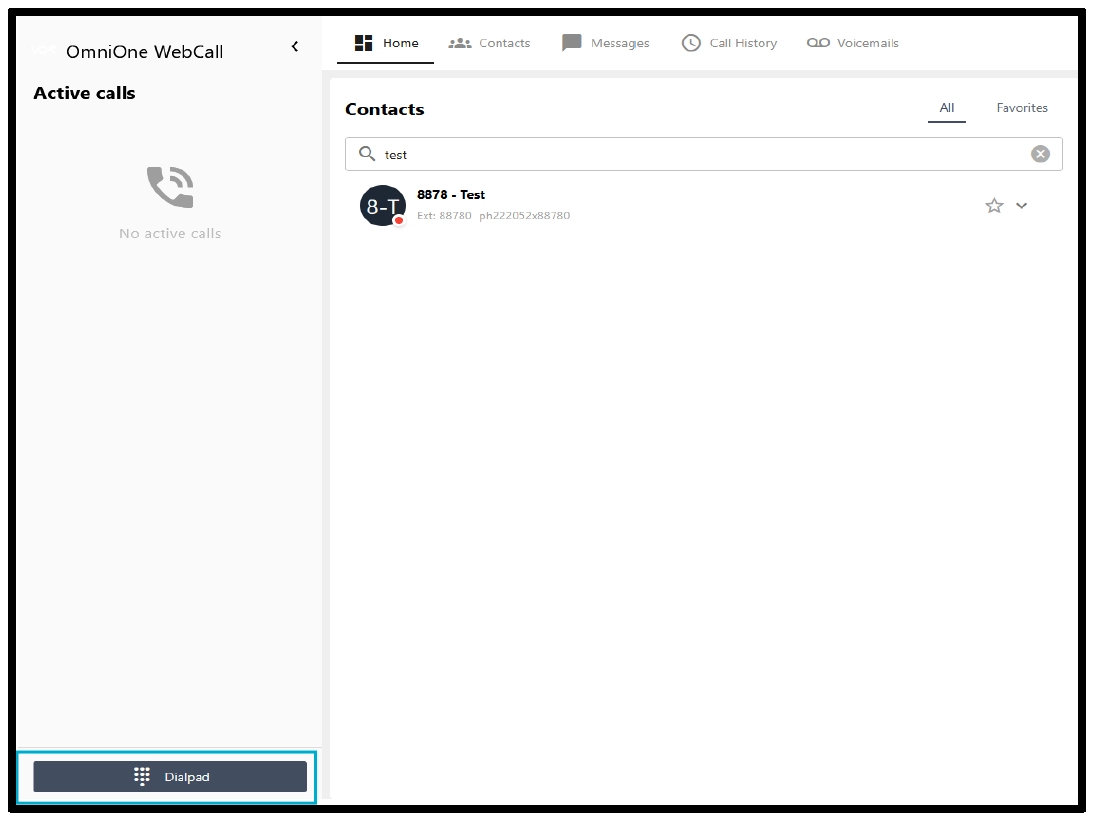
From the home screen, you can either select a contact or dial using the dial pad.
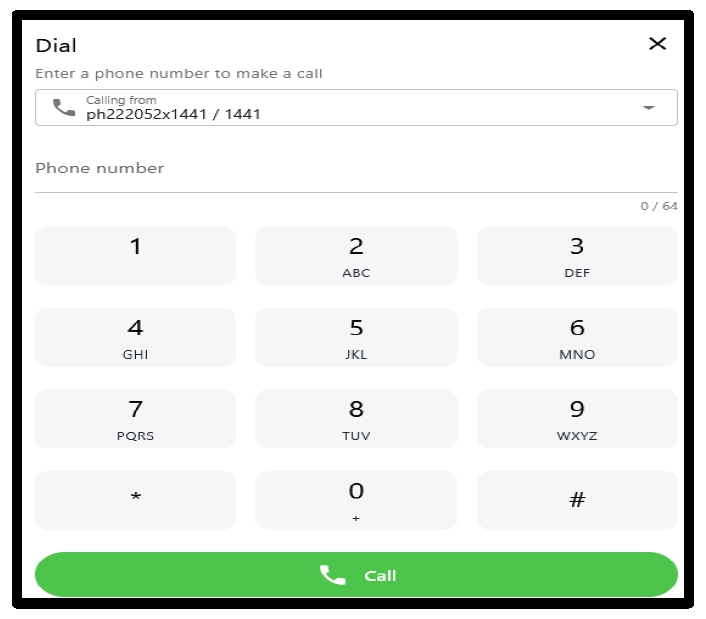
To dial using the dial pad, you can click on the orange keypad button, which will bring up the dial pad, and you can press to initiate a call by clicking the call button
2. How to Answer an incoming call
A popup will appear on the active tab where you can accept the call.
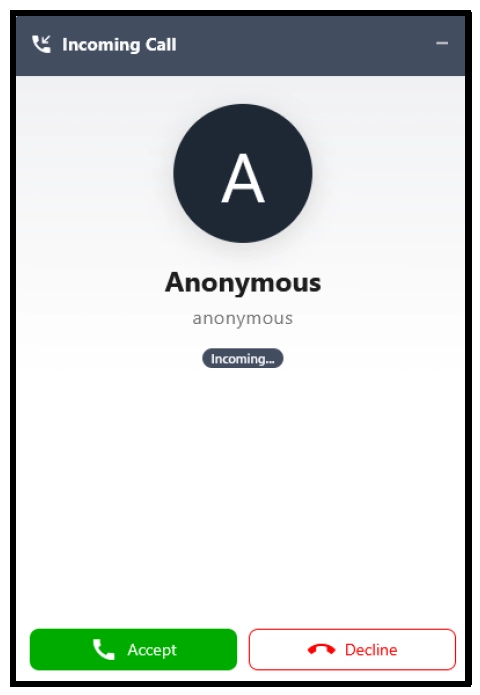
If you are on a different tab, a pop-up will appear which will notify you of an incoming call.

3. Call Transfers
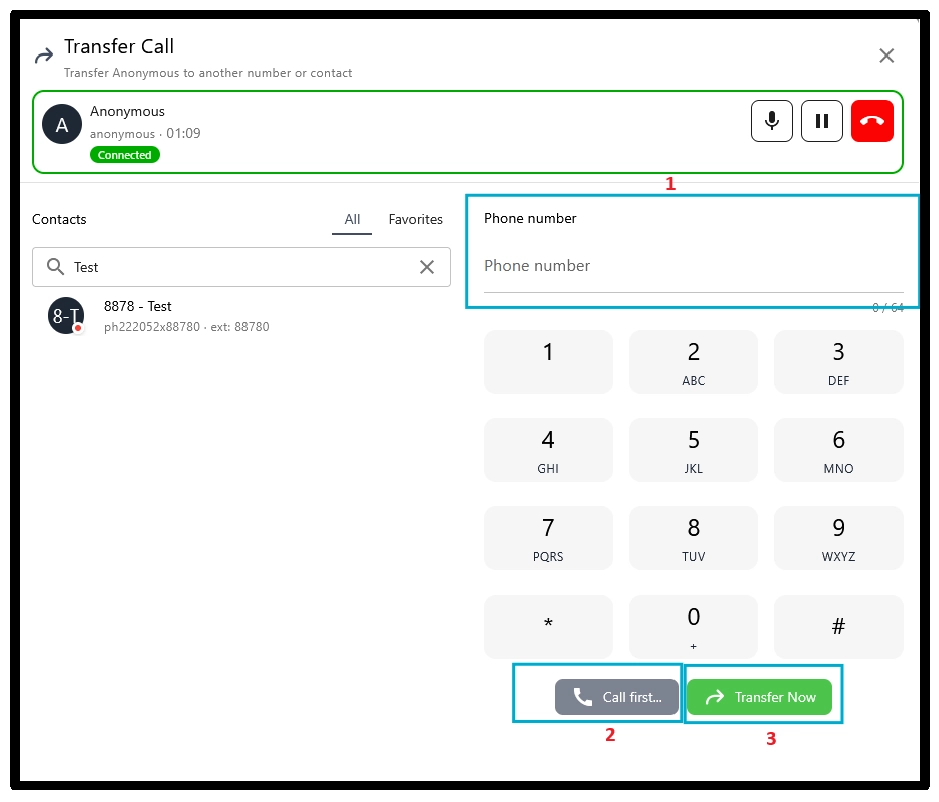
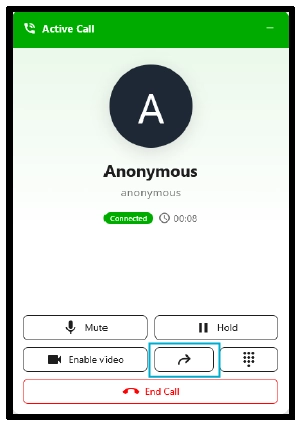
From the dial pad, during a call, you will be able to transfer calls, either via attended transfer or blind transfer, as per the methods below
- Select the transfer button during a call, then follow the instructions mentioned below.
- Enter the number, extension number or select one from the left
- For attended transfer, select option 2, or for blind transfer, select option 3